

Free
Free
Forever, no commitment
A loyalty card in Wallet and a QR code. Try Walio with no risk.
Feature
The customer scans a QR code and has your loyalty card on their phone, next to boarding passes and tickets. No app to download, no paper cards. They never lose the card and you stay in touch with them.
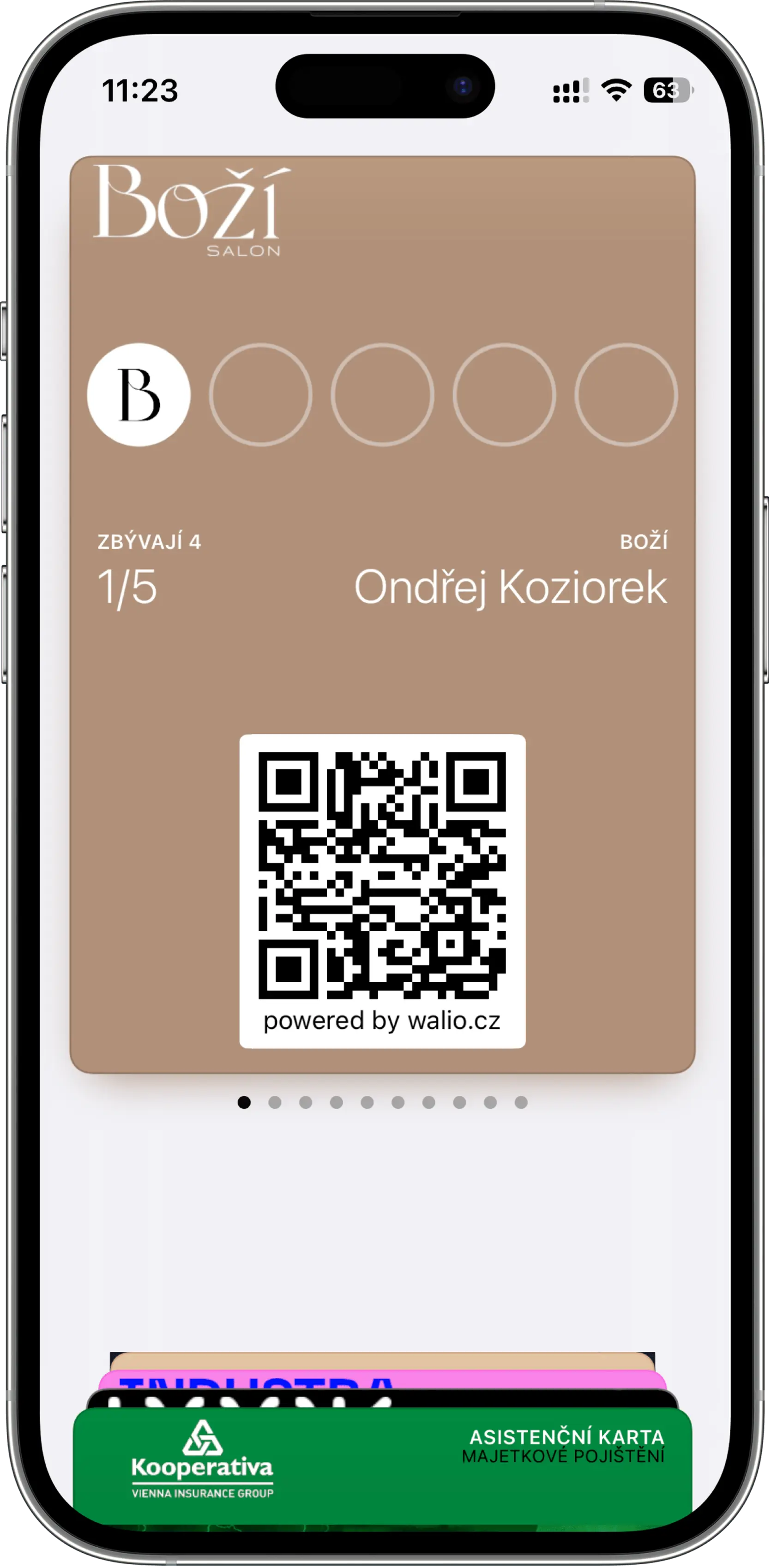
Customers lose paper cards and won’t install an app for one café.
A Walio card lives in Apple or Google Wallet. It saves via a QR code in seconds and stays on the phone.
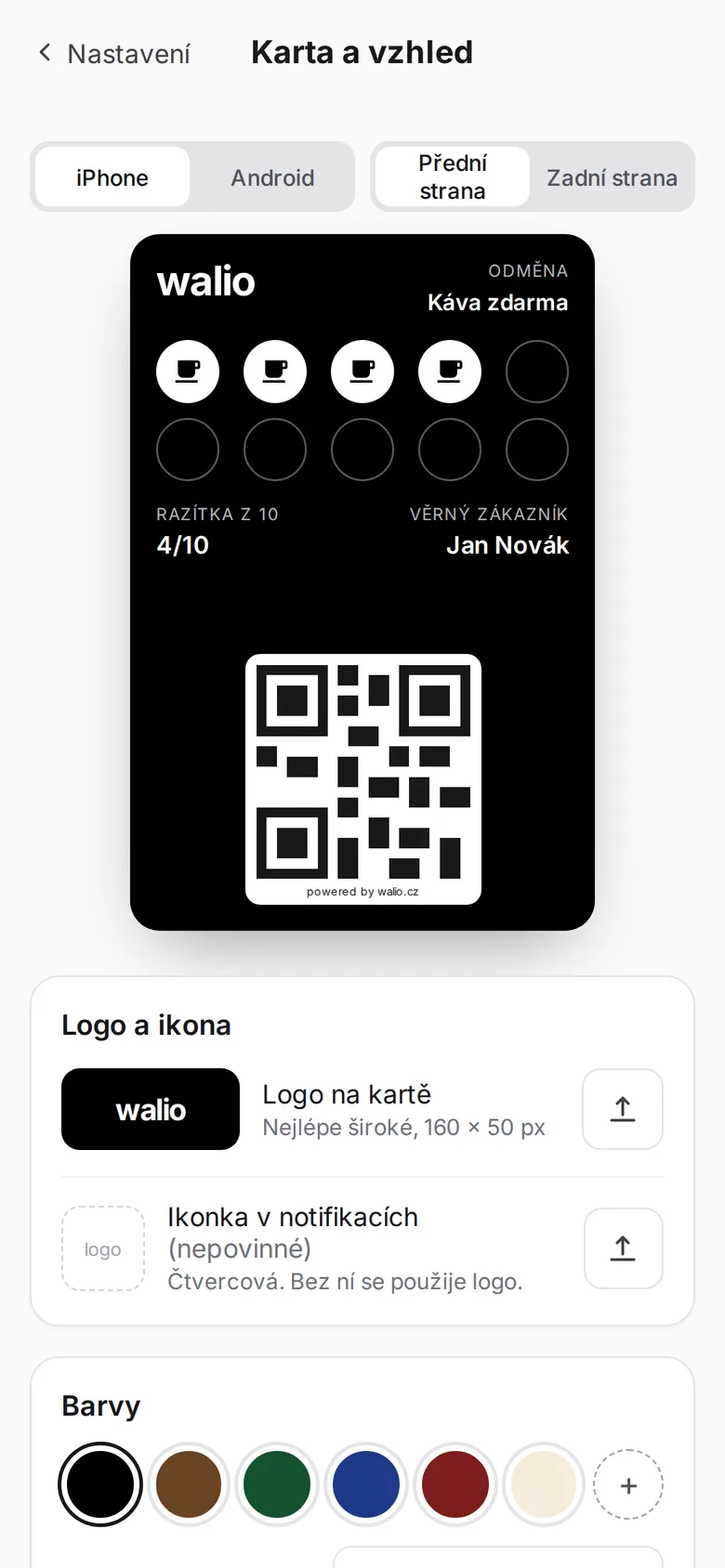
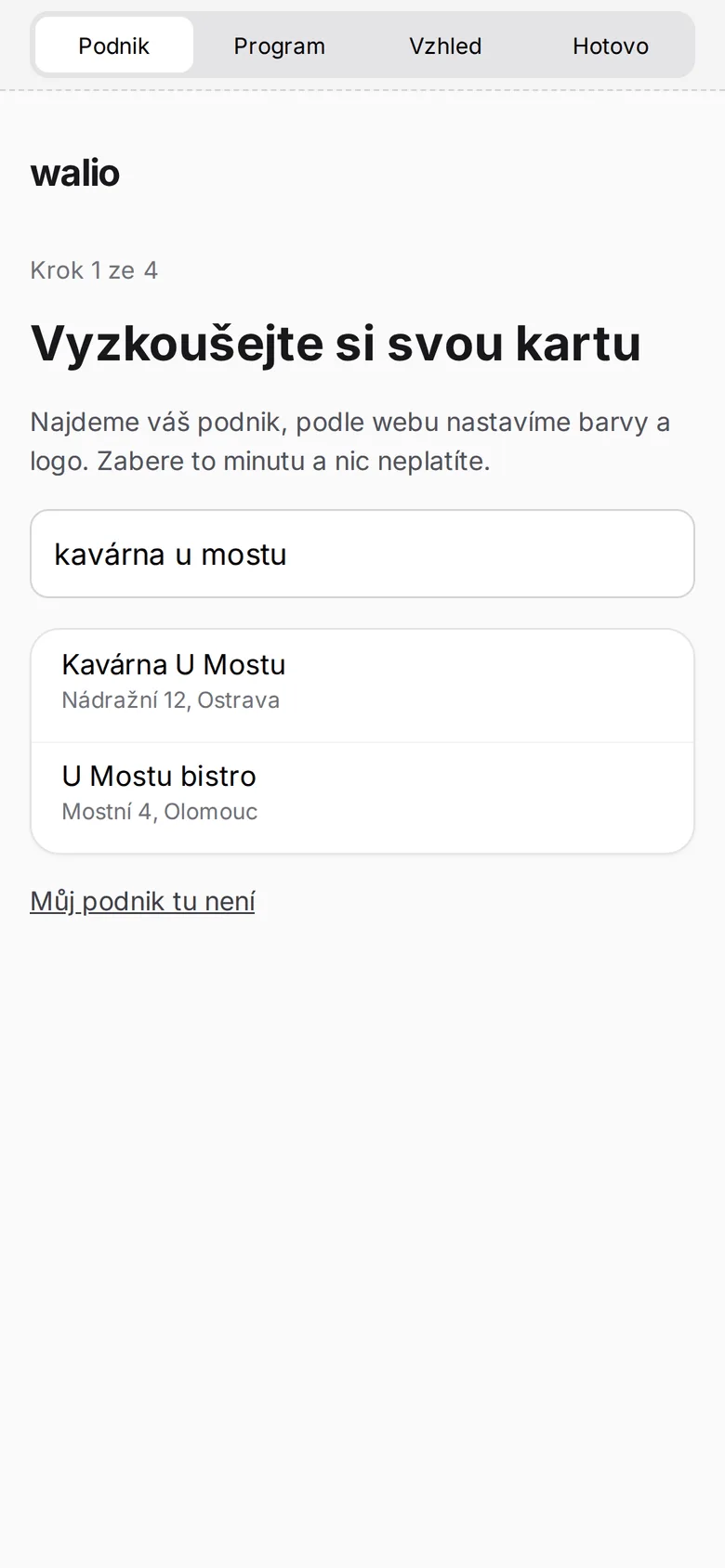
In the wizard you upload your logo, choose colours and the reward text. The card takes on your business's look in a few minutes.
Print the QR code by the till, put it on the table or send it by e-mail or on social media. It works exactly the same online and in person.
They scan the QR code, confirm adding it to Apple or Google Wallet and have the card on their phone. No app, no waiting.
Welcome! Thanks for adding your card. 🎉
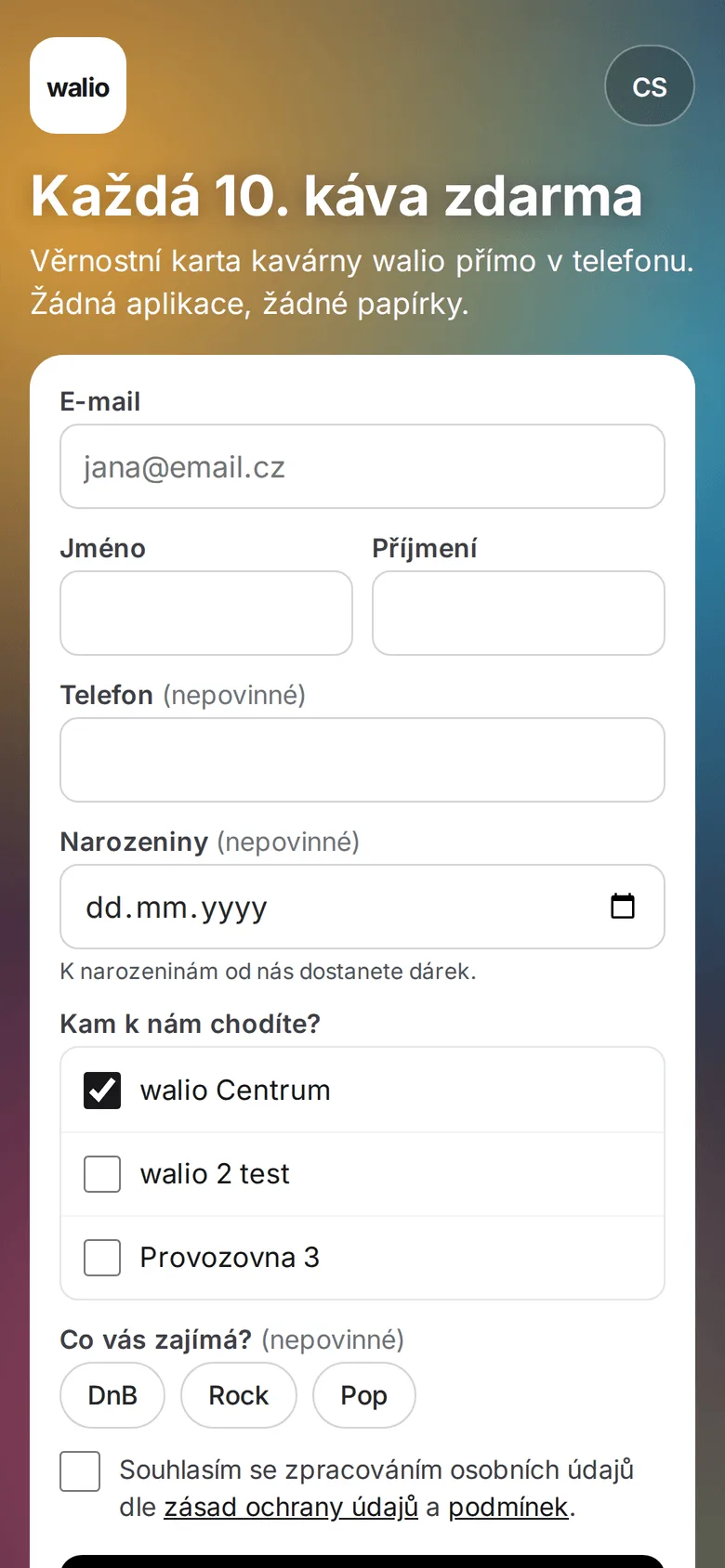
The customer points their camera at the QR code, confirms adding it to the wallet and they're done. No app download or lengthy registration.
Arrives as soon as the customer saves the card. You can rewrite the text.
+1 stamp! You have 3/10 ⭐
A stamp is added or the reward status changes and the card in the wallet refreshes on its own. The customer always sees the current status.
Arrives with every change to the card: a new stamp, a reward, a new round.
Second coffee free today, until 5 pm ☕
Thanks to the card in Wallet you can send a push message straight to the phone screen, exactly when the customer is deciding where to go.
Arrives when you send a campaign. No app, no SMS.
The welcome and card status are Walio’s default texts. You write campaign messages yourself.
The card saves to both Apple Wallet and Google Wallet. That way you cover practically every customer, whatever phone they have.
The card looks like it's from you: your own logo, colours and reward text. So you carry your brand on the customer's phone.
Everyone has their phone on them all the time. Unlike a paper card, the card in Wallet won't get lost or crumpled.
A clear, simple app. Statistics, your customer database and the loyalty card in one place, no training, no clutter.
Choose the plan that fits your needs. See the full overview in pricing.
Free
Forever, no commitment
A loyalty card in Wallet and a QR code. Try Walio with no risk.
$41 / mo
with annual billing (otherwise $49)
Wallet card, QR code, basic statistics. Everything for the first step.
$75 / mo
with annual billing (otherwise $89)
Push campaigns and a monthly report on top. Customers come back on their own.
$117 / mo
with annual billing (otherwise $139)
Personal automation, offer recommendations and unlimited push campaigns.
Have more questions? Write to us or call. We'll figure it all out together.
No. The card saves to Apple Wallet or Google Wallet, which every modern phone has pre-installed. The customer scans a QR code, fills in a few details and has the card in their wallet, with no download and no registration in a foreign app.
Yes. Walio creates a card for both Apple Wallet and Google Wallet, so you cover practically all customers regardless of what phone they have.
Staff scan the customer's card and the status is added. The card in the wallet refreshes on its own, so both the customer and you always see the current stamp count and reward status.
Yes. In the setup wizard you upload your logo, choose colours and the reward text. That way the card looks like it's from your business on the customer's phone.
They simply save the card again by scanning the QR code or via a link and connect it to their existing account. They won't lose collected stamps or rewards.
You can set it up yourself in a few minutes. The customer saves the card with a single scan and you stay in touch with them. Try Walio for free.